



Trading PlatformsInvestor EducationBy Sanika Prabhu12 min read
Online Platform for Trading: Mobile App vs Web Terminal in India
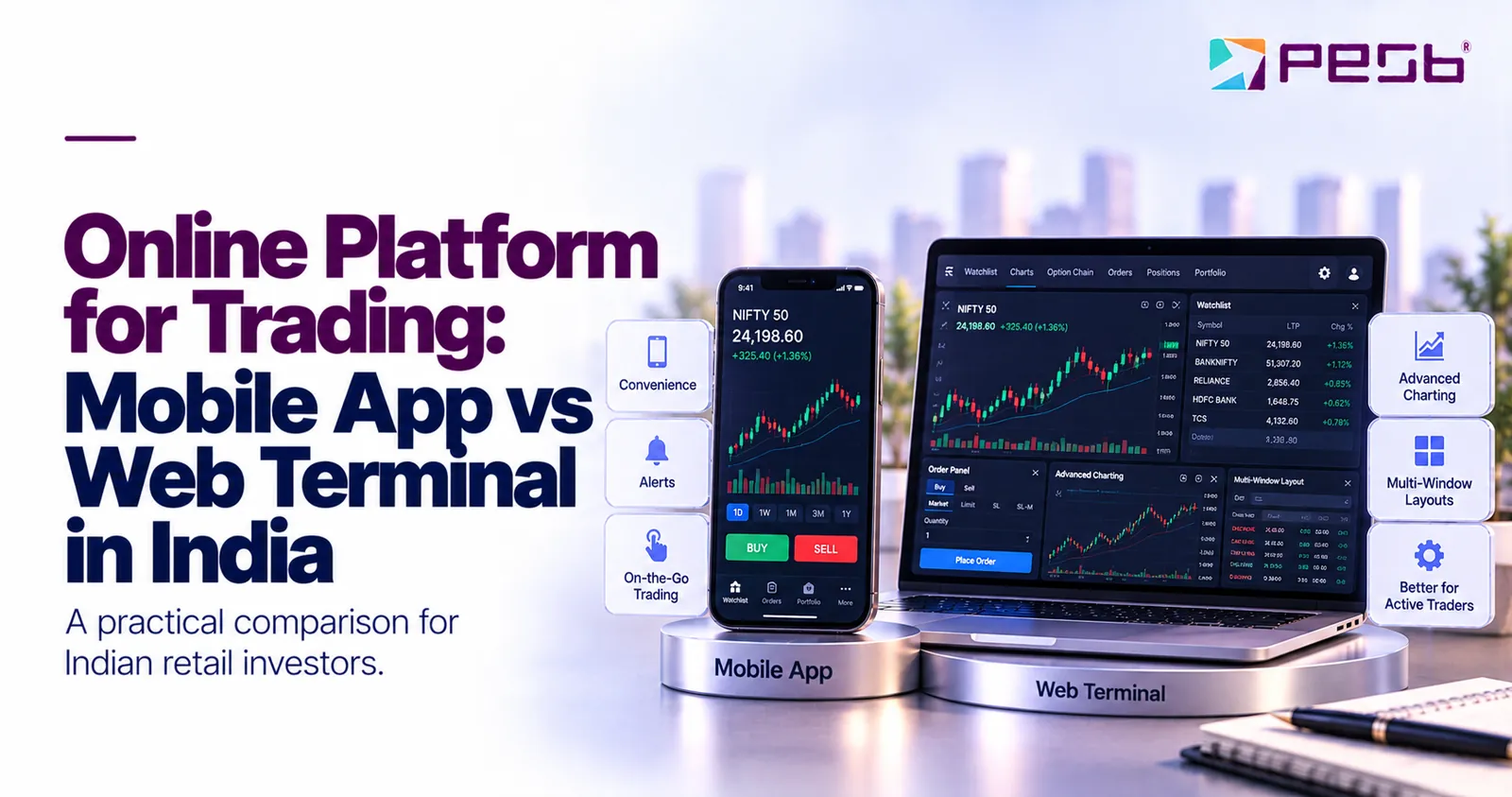
Mobile trading has grown sharply in India, and many retail investors now ask a fair question: is a phone app enough, or does a full web terminal give a real edge? Choosing the right online platform for trading is less about the device and more about how often you trade, what you analyse, and how fast you need to act. This guide explains the mobile trading app vs web trading choice in plain terms.
Key takeaways
At a glance
- Mobile app strengths: portability, push alerts, quick simple orders, and easy fund transfers; limited by small charts, battery drain, and signal risks.
- Web terminal strengths: larger charts, 100 or more technical indicators on leading platforms, and multi window layouts; limited by needing a laptop or desktop.
- Best for long term investors: mobile first, with occasional web check ins for deeper review.
- Best for occasional traders: mobile for alerts, web before placing larger orders.
- Best for intraday traders: active traders can use both, web for analysis and order planning, mobile for monitoring and quick exits.
- Broker over device: check regulation, order types, support, and depository access before you commit to any setup.
How does the mobile trading app vs web trading choice affect your workflow?
A mobile trading app is phone software built for quick actions such as checking prices, placing orders, and receiving alerts. A web trading terminal runs in a browser on a laptop or desktop and gives more screen space for charts, indicators, and multiple windows. Both connect to the same broker and exchanges, so the real difference is workflow, not market access.
Think of a mobile app as a tool for reach. You unlock your phone, glance at a watchlist, and place or modify an order in under a minute, whether you are at work, travelling, or away from your desk.
A web terminal is a tool for study. You can open several charts side by side, draw trendlines, compare timeframes, and watch market depth while an order is working. Market depth means the live list of pending buy and sell orders at different prices, which shows where buying and selling pressure sits.
Neither is automatically better. The online platform for trading that serves you best depends on whether your decision needs five seconds of information or fifty minutes of analysis.
Why has mobile trading grown so fast in India?
Mobile trading has grown in India because low cost smartphones, cheaper data, and digital account opening removed old barriers. A first time investor in a smaller town can complete eKYC, which is electronic Know Your Customer verification, and start without visiting a branch. Researchers describe this as a mobile first trading culture that attracts millions of new participants (Next Move Strategy Consulting, 2026).
Next Move Strategy Consulting reports that the share of trades made on mobile and online platforms in India has grown significantly, reflecting a mobile first trading culture (Next Move Strategy Consulting, 2026).
Share on LinkedIn · Share on X
Three forces sit behind this shift. First, onboarding is now largely paperless, so a new investor can often begin far faster than in the branch based era. Second, lower brokerage models made small and frequent trades more practical for retail participants.
Third, app design has matured. Tasks that once needed a phone call to a dealer, such as modifying an order or checking holdings, now take a few taps. That is why the phone is often the first screen a client opens in the morning.
Pune e Stock Broking Limited, or PESB, lists app, web, and internet based trading under its infrastructure support department (PESB website, 2026). You can review the broker's background, registrations, and exchange memberships on the About PESB page before choosing any setup.

What does a mobile trading app do best?
A mobile app does three things best: it keeps you connected everywhere, pushes real time alerts to your pocket, and makes simple actions fast. For investors who check markets a few times a day rather than watching every tick, a well built app covers most routine needs.
Here is where mobile genuinely shines:
- Price and news alerts: set an alert on a stock, index, or commodity level and get notified the moment it triggers, instead of watching the screen all day.
- Quick order placement: market, limit, and stop loss orders become fast once you know the layout, which matters when you need to exit quickly.
- Portfolio tracking: holdings, profit and loss, and available margin are visible at a glance, so you always know where you stand.
- Fund movement: adding or withdrawing funds through linked bank accounts and UPI is usually simpler than logging into a desktop terminal.
The limits are just as real. Charts are cramped on a small screen, comparing two timeframes is awkward, and a fat fingered tap can send the wrong order. Weak network coverage or a dying battery can also leave you blind at the wrong moment, which is why mobile works best for decisions you have already thought through.
What does a web trading terminal do best?
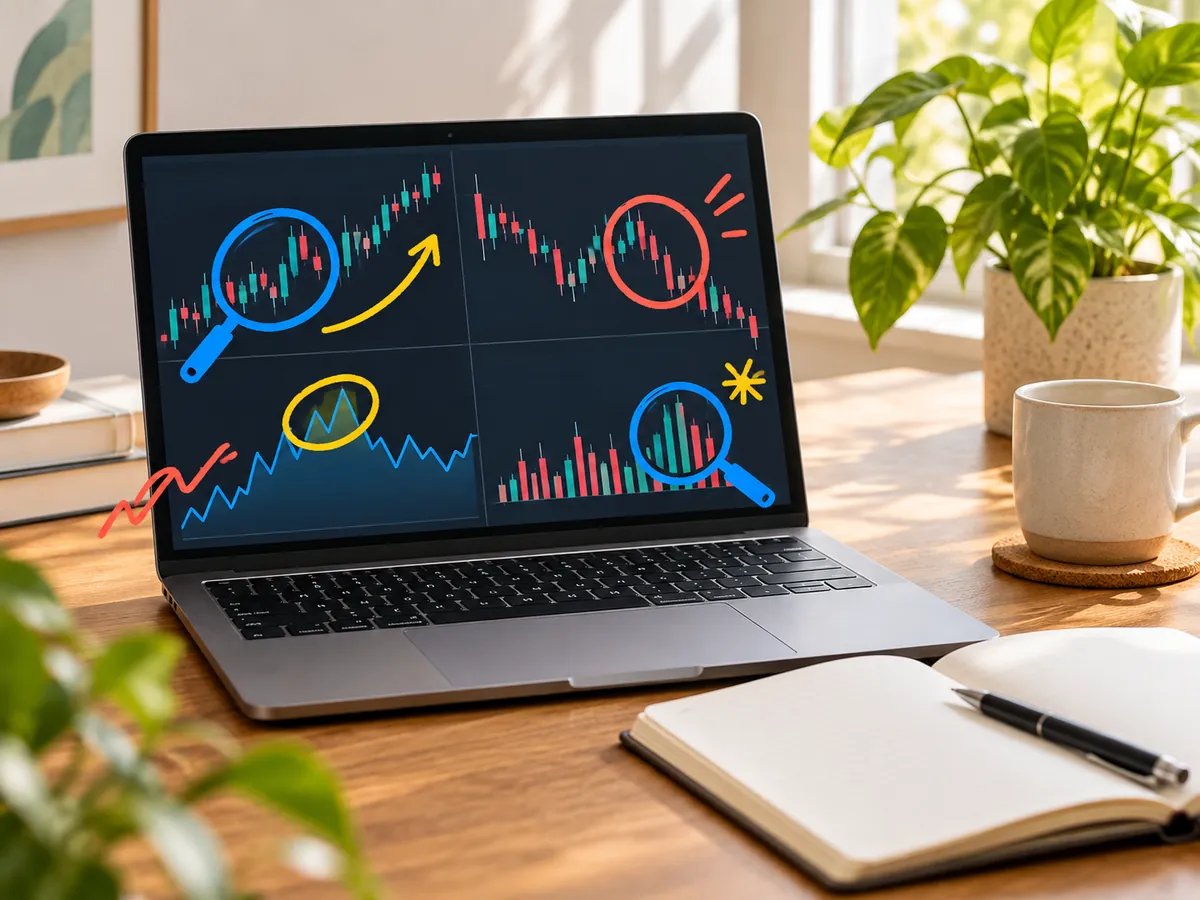
A web terminal does depth best: bigger charts, more indicators, and many windows open at once on a single screen. For anyone who studies price action before acting, a browser based stock trading online platform turns a laptop into something close to a professional dealing desk.
The charting gap is the headline difference. Leading Indian platforms now offer advanced charting with over 100 technical indicators, along with advanced order types and fast order placement (GetTogether Finance, 2026). Technical indicators are calculations drawn from price and volume data, such as moving averages or the Relative Strength Index, that traders use to read trends and momentum.
Web terminals also help with:
- Multi window layouts: keep a chart, an option chain, your positions, and market depth open together without constant switching.
- Detailed order forms: bracket orders, cover orders, and multi leg strategies are easier to review on a full screen before you confirm.
- Research alongside trading: open a research report or results announcement in one tab while the chart stays live in another.
The trade off is obvious: a web terminal needs a laptop or desktop and a stable connection. It is not the tool you reach for when news breaks while you are in a meeting across town.
Which online platform for trading suits long term investors?
Long term investors usually need a mobile app first, because their actions are infrequent and simple: buy quality stocks, apply for IPOs, and review the portfolio occasionally. A web terminal adds value during periodic deep reviews, not in daily use.
Consider a typical long term investor in Pune who invests a fixed amount each month. The monthly routine involves checking whether the plan is on track, placing a delivery order, and moving funds. None of that needs 100 indicators or a multi window layout, so a clean app handles it comfortably.
Once or twice a year, the same investor benefits from sitting down at a web terminal. That is the time to compare a stock's long term chart, read results, and review research before rebalancing. PESB, for example, has a research team that works on market research and recommendations for building investment portfolios (PESB website, 2026), and a larger screen makes that material easier to read.
The practical rule: if you place a handful of trades a month and hold for years, spend your energy on choosing the right broker and the right stocks, not on building a trading desk.
Which setup suits occasional traders and swing traders?
Occasional traders and swing traders, who hold positions for days or weeks, do best with a split setup: mobile alerts to know when something happens, and a web terminal to verify the setup before committing money. Alerts find the opportunity; the bigger screen confirms it.
Here is a concrete example. Suppose a swing trader is waiting for a stock to close above its 50 day moving average, a widely watched trend line, before entering. A mobile alert can tell the trader when the price touches that level during the day, but the alert alone does not confirm the signal.
The trader still needs to check the closing price after the session ends, because a stock can cross the level intraday and fall back before the close. Acting on the midday alert alone can mean entering a trade the setup never actually confirmed.
A sensible weekly workflow for this group looks like:
- Weekend: scan charts on the web terminal and shortlist stocks near key levels.
- During the week: let mobile alerts do the watching while you get on with your day.
- When an alert fires: wait for the close if your signal depends on it, then review the chart before placing the order.
This way the phone handles reach and the browser handles judgement, and neither is asked to do the other's job.
Which setup suits active intraday traders?
Active intraday traders, who open and close positions within the same session, generally need a web terminal as their primary screen and a mobile app as a live backup. Speed of analysis matters as much as speed of order placement, and only a large screen delivers both.
Anyone trading index futures needs a futures online trading platform that shows option chains, open interest, and market depth without lag, and today that usually means a web terminal during market hours. Open interest is the total number of outstanding derivative contracts, which traders read as a sign of where money is positioned.
A typical intraday morning illustrates why. A trader watching a Nifty or Bank Nifty setup may track a one minute chart, a fifteen minute chart, the option chain, and a watchlist at the same time. Switching between four screens on a phone costs precious seconds exactly when seconds decide the trade's outcome.
The mobile app still earns its place in this workflow. If the trader steps away from the desk or the broadband drops, the phone becomes the emergency exit route for monitoring and closing positions. Active traders can use both devices, with the web terminal doing the heavy analytical work and the phone providing continuity.
How do global platform names fit for Indian investors?
Many Indians search for a fidelity online trading platform or a charles schwab online trading platform because these American brokers are familiar from global news and finance videos. Fidelity and Charles Schwab are built for US markets, while an Indian resident who wants to trade on the NSE or BSE needs a SEBI registered Indian broker with Indian exchange memberships.
The comparison habit behind those searches is still useful. Whatever platform you evaluate, Indian or global, judge it on the same basics: regulation, costs, order types, charting, and the quality of support when something goes wrong.
For Indian investors, the regulatory checks are specific. Look for SEBI registration, membership of the exchanges you plan to trade on, and a depository participant connection for holding your shares. PESB, for instance, is a member of the NSE and BSE for equities and of the MCX and NCDEX for commodities, is a SEBI registered Research Analyst, and operates as a CDSL depository participant (PESB website, 2026).
Before using any platform, ask simple questions in plain words. How much money must you deposit as margin before a trade is allowed? Are there situations where trading in a stock or contract can be restricted or paused? If you do not exit a position yourself, how and when will the broker close it? Clear answers to these questions matter more than a famous brand name.
What this means for you
The mobile trading app vs web trading decision is really a question about your own routine, so start there rather than with features. Then match the device to the job, and let your broker support both.
A simple way to decide in one week:
- Write down your style: long term investor, occasional or swing trader, or active intraday trader. Be honest about how many trades you actually place in a month.
- Run your normal week on mobile: if nothing felt cramped or slow, mobile first is probably enough.
- Do one analysis session on the web: open charts, indicators, and market depth, and notice whether the extra information changes your decisions.
- Assign each device a job: for most people the answer is one primary screen plus the other as support, not an either or choice.
- Verify the broker behind the screens: regulation, exchange memberships, order types, and reachable support matter more than any app feature.
The same logic applies beyond equities. If you trade commodities such as gold or crude oil, commodity trading platforms in India follow the same split: mobile for alerts on price levels, web for studying charts before larger positions. Since PESB holds MCX and NCDEX memberships, clients can apply one consistent setup across equity and commodity segments (PESB website, 2026).
If you want help matching a setup to your trading style, the team at Pune e Stock Broking Limited is reachable through the PESB contact page, including a dedicated desk for app, web, and internet based trading queries.
FAQs
Is a mobile trading app enough for long term investing?
Yes, for most long term investors a reliable mobile app is enough for routine actions like buying shares, applying for IPOs, and tracking the portfolio. A web terminal becomes useful during occasional deep reviews, such as studying long term charts or reading research before rebalancing.
Can I trade futures and options from a mobile app?
Most Indian brokers allow futures and options orders from their mobile apps, so placing the trade is rarely the problem. The harder part is analysis, since option chains, open interest, and fast moving charts are much easier to read on a web terminal during live market hours.
Is a web terminal safer than a mobile app?
Neither is inherently safer, because both connect to the same broker systems and exchanges. Safety depends on the broker's regulation and your own habits, such as using strong passwords, two factor authentication, and logging out on shared devices.
What is the best online platform for trading in India?
There is no single best platform for everyone, because the right choice depends on your trading style. Long term investors should prioritise a clean app and strong research, while active traders should prioritise charting depth, order types, and execution speed, all from a SEBI registered broker.
Can I trade commodities like gold on the same platform?
Yes, brokers with commodity exchange memberships let you trade commodities alongside equities. PESB is a member of the MCX and NCDEX commodity exchanges, so clients can trade segments like gold futures using the same mobile and web setup they use for stocks.
Related resources
- online platform for trading
- stock trading online platform
- mobile trading app vs web trading
- futures online trading platform
- fidelity online trading platform
- charles schwab online trading platform
- best online platform for trading in india
- web platform trading
- commodity trading platforms in india
- best platform for commodity trading in india
This article is for information and education only and is not investment advice. Investments in securities market are subject to market risks; read all related documents carefully before investing.